31 July 2026
GeForce NOW: transforming your study laptop into a gaming station
As the back-to-school season approaches, many students find themselves balancing study needs with the desire for leisure. Often, the computer used for classes or writing theses does not possess the hardware specifications required to run the latest titles. At
GeForce NOW: transforming your study laptop into a gaming station
As the back-to-school season approaches, many students find themselves balancing study needs with the desire for leisure. Often, the computer used for classes or writing theses does not possess the hardware specifications required to run the latest titles. At bisp&d, we often see users who think they necessarily need to purchase a new gaming machine, but cloud gaming technology is radically changing this paradigm.
What really changes with cloud gaming
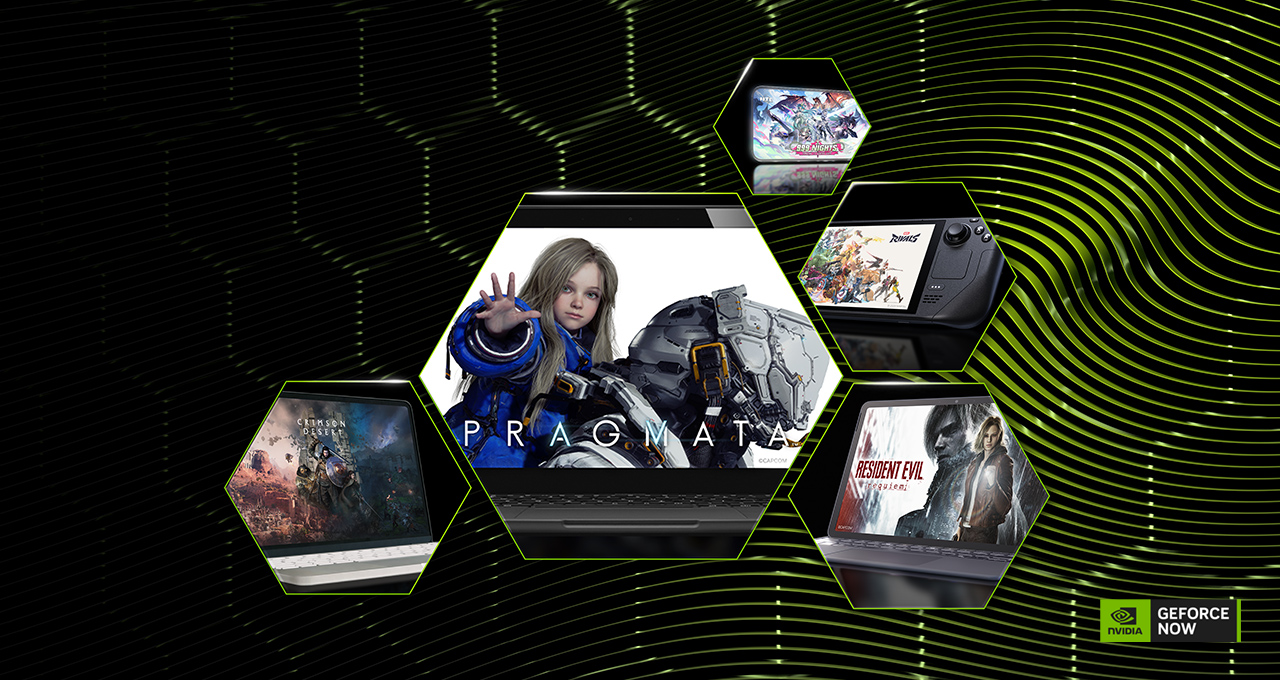
The concept behind GeForce NOW is simple yet revolutionary: it is not your computer that has to process complex graphics, but NVIDIA's remote servers. This means that an ordinary laptop, a Chromebook, or a MacBook can turn into a high-level station. Computing power, including that of RTX graphics cards, is handled in the cloud and streamed to your screen.
The main advantage for those who study is twofold:
- Time saving: Forget long waits for downloading heavy files or installing patches. The game is ready to use in just a few clicks.
- Versatility: You can switch from studying to gaming instantly, using the same device you use for academic research, without taking up precious space on your hard drive.
The point of view of bisp&d
From our technology laboratory in Piombino, we often recommend this solution to those who own lightweight and portable machines. The Ultimate technology, for example, allows you to take advantage of RTX 5080-class performance, benefiting from technologies such as DLSS (Deep Learning Super Sampling) and Ray Tracing. These tools not only improve visual rendering but also reduce latency, making the experience fluid even on fast-paced action titles like the recent Halo: Campaign Evolved.
What to check before starting
Before relying entirely on cloud gaming, it is essential to consider some technical aspects to ensure a good user experience:
- Connection quality: Cloud gaming is extremely sensitive to network stability. A broadband connection, preferably via Ethernet cable or 5GHz Wi-Fi, is essential to avoid lag and interruptions.
- Game library: GeForce NOW is not an "all-inclusive" game catalog, but a platform that allows you to play the titles you already own on digital stores such as Steam, Xbox PC Game Pass, or Epic Games Store. Always check that your favorite games are supported.
- Compatible devices: Make sure your operating system is updated and compatible with the dedicated application.
Conclusion
It is not always necessary to invest in a new dedicated gaming PC to enjoy triple-A titles. If your goal is to reconcile productivity and entertainment without weighing down your backpack or your budget, cloud gaming represents a mature and high-performance solution. Before proceeding, test your connection and verify the compatibility of the titles you wish to play. If you have any doubts about your home network configuration or the compatibility of your current laptop, come visit us at the laboratory: we will be happy to help you optimize your station.
Related products
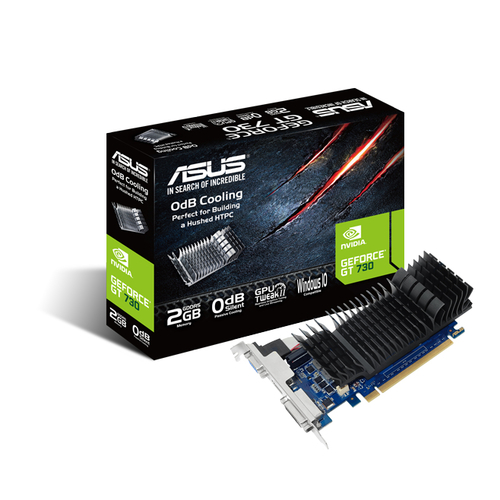
ASUS VGA GEFORCE GT 730, GT730-SL-2GD5-BRK, 2GB GDDR5, VGA/DVI/HDMI, 90YV06N2-M0NA00

ASUS NB 16" TUF i7-14650HX 16GB 1T SSD RTX 5070 8GB WIN 11 HOME
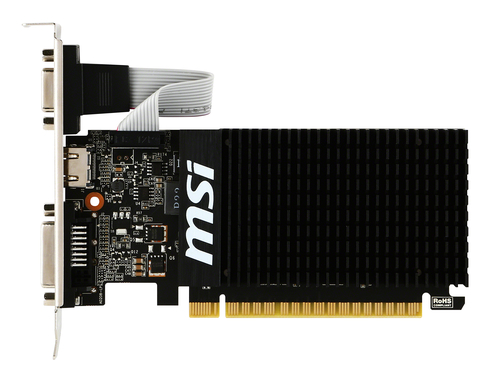
MSI VGA GEFORCE GT 710, GT 710 2GD3H LP, 2GB GDDR3, DVI/HDMI/VGA, LP