08 August 2026
Changing smartphones without stress: the bisp&d guide to moving towards the Galaxy ecosystem
One of the most common fears we encounter daily in our laboratory here in Piombino, when a customer decides to purchase a new smartphone, is the fear of losing their data or having to start from scratch with configurations. Moving to a new ecosystem, especiall
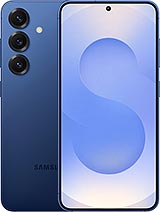
Changing smartphones without stress: the bisp&d guide to moving towards the Galaxy ecosystem
One of the most common fears we encounter daily in our laboratory here in Piombino, when a customer decides to purchase a new smartphone, is the fear of losing their data or having to start from scratch with configurations. Moving to a new ecosystem, especially when coming from a different operating system, is often perceived as a leap into the dark. However, with the evolution of Smart Switch, Samsung's official tool, this transition has become a smooth, guided, and, above all, complication-free process.
What really changes with the new procedures
The real innovation introduced with the integration into One UI 9 lies in its immediacy. While in the past data transfer required cables, adapters, or the installation of intermediary software, today the procedure has been radically simplified:
- Goodbye to cables: The transfer takes place via a dedicated Wi-Fi connection, making the operation clean and fast.
- Configuration via QR Code: For those switching from iPhone to a Galaxy device, it is no longer necessary to install dedicated apps on the original smartphone. Simply scan a QR code to start the migration.
- Wide spectrum of data: Smart Switch is not limited to copying contacts and photos. It is capable of migrating over 20 categories of data, including files, notes, Home screen settings, saved Wi-Fi networks, and even passkeys, drastically reducing the "settling in" time on the new phone.
The bisp&d point of view: why it matters
As a technology laboratory, we know well that the most delicate part of changing a smartphone is managing messaging applications, particularly WhatsApp. The ability to restore conversations in an integrated way is a fundamental added value. Furthermore, the attention paid to new form factors, such as the Galaxy Z Fold and Z Flip foldable models, demonstrates how Samsung is seeking to make even the most advanced technology accessible to everyone, eliminating the initial learning barrier.
What to check before starting
Even though technology makes everything simpler, as experts we always recommend performing some preliminary checks for a smooth transition:
- Updates: Ensure that both devices are updated to the latest available software version.
- Remaining charge: Even though the process is rapid, ensure that both smartphones have a battery charge higher than 50% to avoid interruptions.
- Storage space: Verify that the new device has sufficient memory to accommodate all the data coming from the old phone.
Conclusion
Switching to a new smartphone should not be a frustrating experience. Thanks to automated migration tools and the dedicated support offered by Samsung — which includes direct channels via telephone and WhatsApp — the transition towards the Galaxy world is now within everyone's reach, even for those who do not consider themselves expert users. If you have doubts or prefer professional support during the configuration of your new device, we await you in our laboratory in Piombino to personally assist you in every stage of the transfer.
Related products
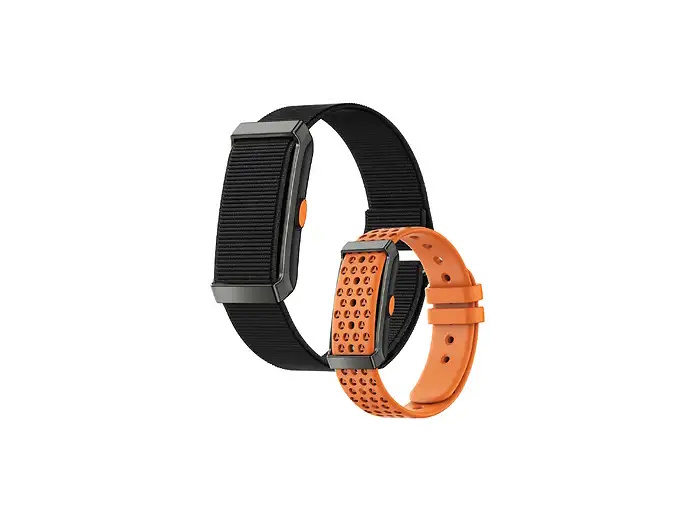
INNO-HIT Smart Band CORE monitoraggio Salute e Fitness 24/7
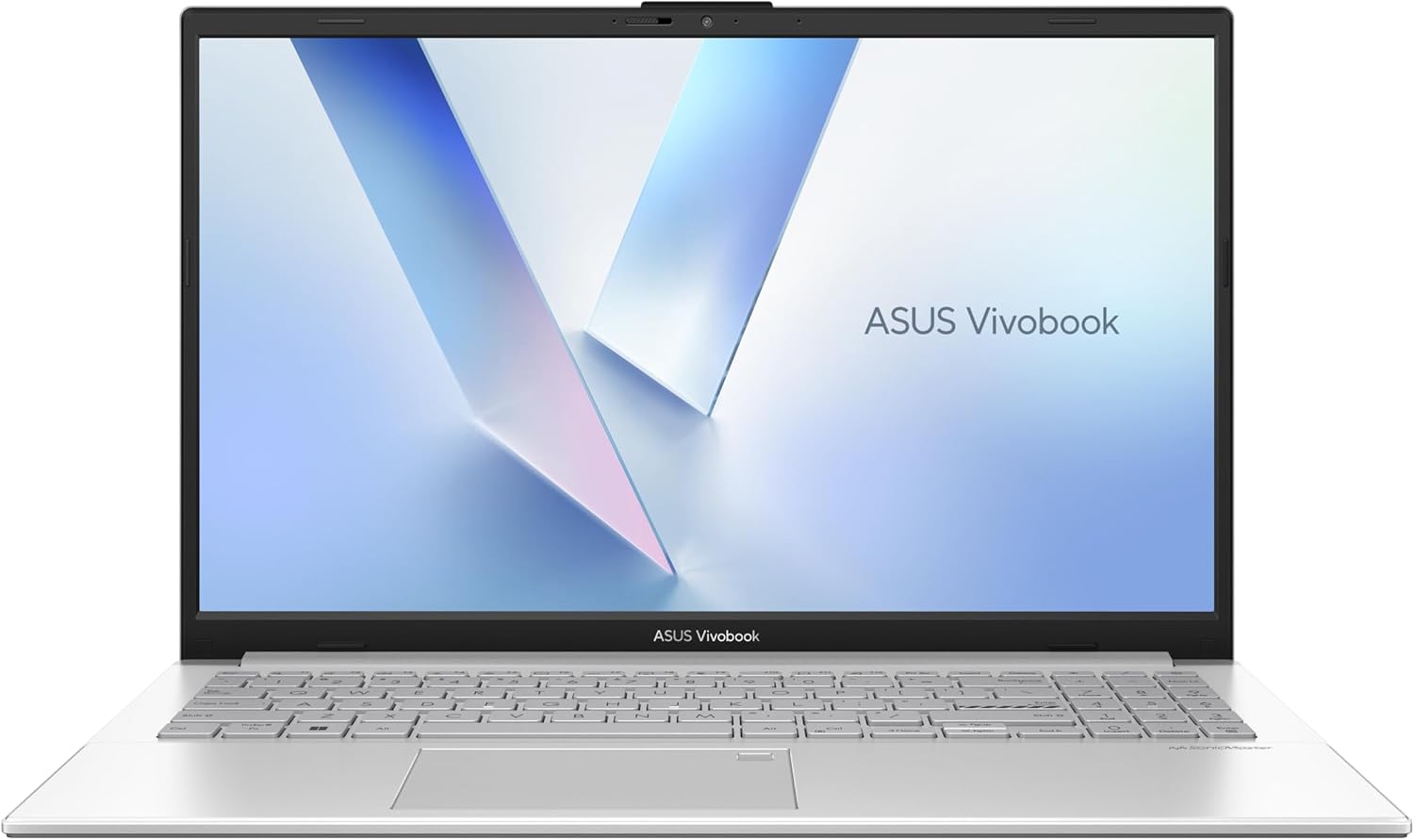
ASUS NB 15,6" VIVOBOOK AMD RYZEN 5 40 8GB 512GB SSD WIN 11 HOME - SENZA ALIMENTATORE
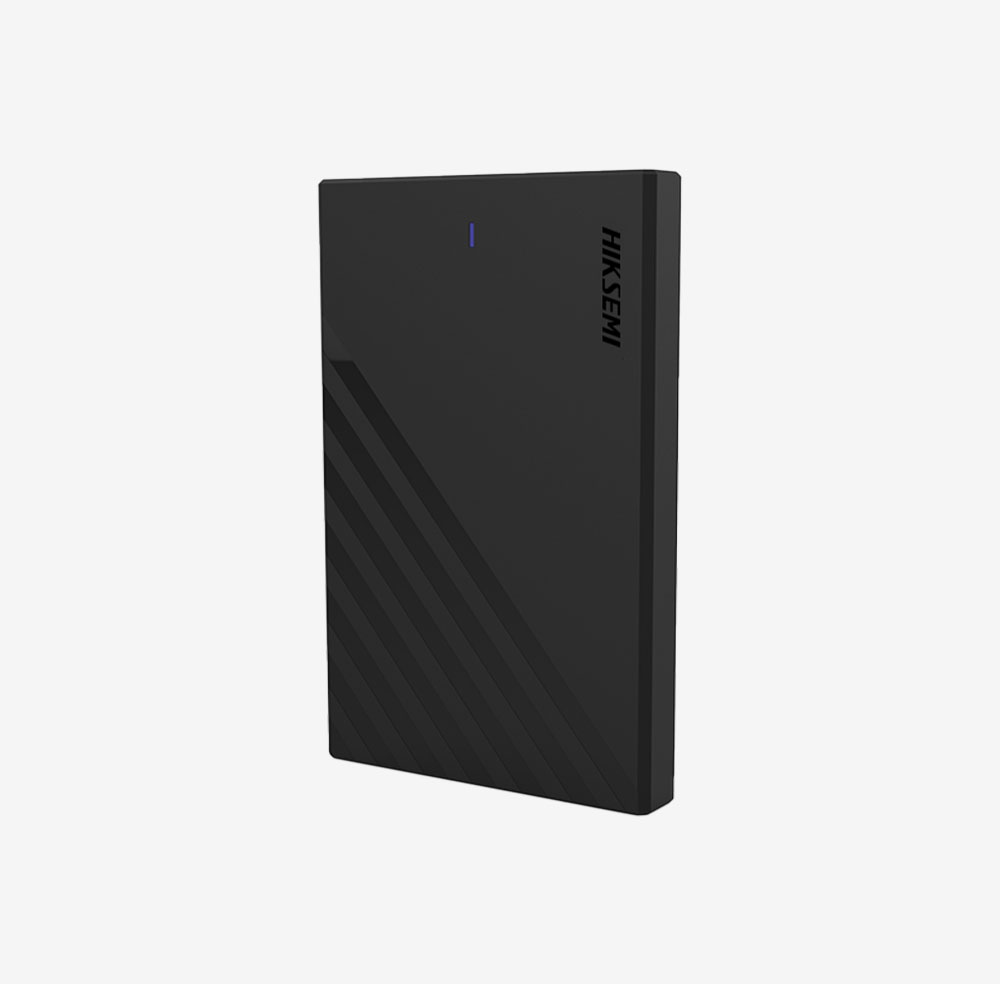
HIKVISION HIKSEMI BOX 2.5 HDD/SSD, TYPE C, VELOCITA TRASF 6GBPS, WINDOWS, MAC OS, LINUX, ANDROID