18 June 2026
Android 17: what really changes for the end user?
The arrival of Android 17 does not represent just another numerical update, but introduces structural changes that affect daily operations, security, and the management of hardware resources. As a technology lab, we observe with interest how Google is trying t

Android 17: what really changes for the end user?
The arrival of Android 17 does not represent just another numerical update, but introduces structural changes that affect daily operations, security, and the management of hardware resources. As a technology lab, we observe with interest how Google is trying to make the operating system more fluid, especially for those using devices with large screens or foldables.
Productivity and Multitasking: the era of "Bubbles"
The most tangible novelty for the average user is the extension of the Bubbles feature. No longer limited to a few applications, it is now possible to transform almost any app into a floating window. This radically changes the way of working on a smartphone: you can consult a map or take notes while browsing a website, without having to jump continuously from one app to another.
On large-screen devices, the experience is further optimized thanks to a dedicated bar at the bottom, which allows resizing or maximizing windows with a single touch, bringing the user experience closer to that of a tablet or a PC.
Creativity and Gaming: focus on Foldables
For content creators, Android 17 introduces Screen Reactions. This feature allows recording the screen and one's own reaction via the front camera simultaneously, eliminating the need for external software or complex editing procedures.
The gaming sector receives a specific boost for foldable devices. The new foldable gaming mode proposes a 50/50 layout: the upper part of the screen is dedicated to the game, while the lower part hosts a dynamic gamepad. Added to this is a more efficient management of RAM to reduce frame drops and slowdowns during high-definition sessions.
Security: a more robust defense against theft
From a technical point of view, the most relevant aspect concerns data protection. The Mark as lost feature now allows locking the device via biometrics. This is a fundamental step: even if a malicious actor were to know the unlock PIN, they would not be able to access information or deactivate tracking without the owner's fingerprint or face.
The update also reduces the number of allowed attempts for PIN entry and increases the waiting times between attempts, making access via brute force attacks much more difficult.
Who is this update for?
- Power Users: those who manage many apps simultaneously and seek maximum efficiency.
- Foldable Owners: those who want to fully exploit foldable hardware.
- Content Creators: those who produce tutorials or quick reviews directly from mobile.
- Privacy-conscious users: those who desire granular control over location and contact permissions.
What to check before proceeding
Before installing Android 17, we recommend checking three fundamental points:
- Compatibility: the update starts with Pixel and then extends to other devices throughout 2026.
- Backup: as with any system update, it is essential to have an up-to-date backup of the data.
- Storage space: ensure you have enough space to download and install the update package without errors.
Conclusions by bis
Related products

LENOVO TABLET IDEA TAB TB336ZU 8GB 128GB 5G + LENOVO TAB PEN 11" ANDROID 15 LUNA GREY
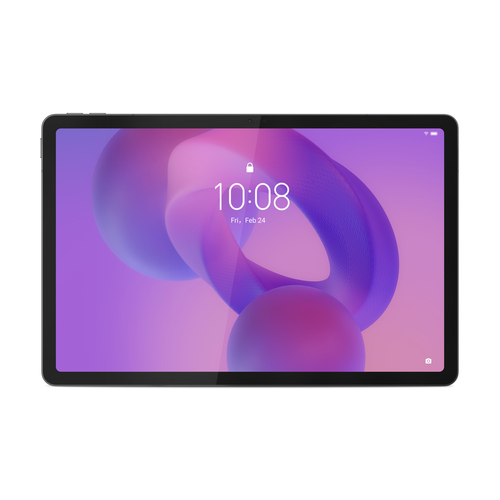
LENOVO TABLET IDEA TAB TB336ZU 8GB 256GB 5G + LENOVO TAB PEN 11" ANDROID 15 LUNA GREY
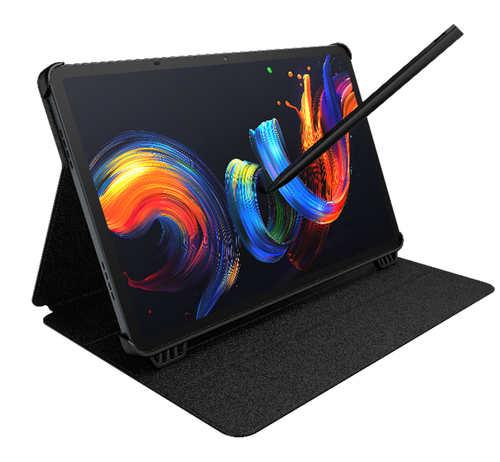
TCL TABLET PC NXTPAPER 11+ MEDIATEK HELIO G99 8GB 256GB 11,5 2.2K ANDROID + CUSTODIA E PENNINO