22 August 2026
Innovation in accessibility: sign language translation arrives on Pixel 11
In today's technological landscape, accessibility is no longer a mere accessory, but a fundamental pillar of development. With the launch of the Pixel 11 series, Google has introduced a feature that marks a significant step forward for the deaf community: real

Innovation in accessibility: sign language translation arrives on Pixel 11
In today's technological landscape, accessibility is no longer a mere accessory, but a fundamental pillar of development. With the launch of the Pixel 11 series, Google has introduced a feature that marks a significant step forward for the deaf community: real-time translation of American Sign Language (ASL) into written text.
What truly changes with this technology
The new sign-to-text function is not limited to recognizing isolated gestures, but uses an advanced translation model (SL2T) capable of interpreting the complexity of signing communication. The system simultaneously analyzes hand shapes, facial expressions, and body movements, translating the communicative flow into meaningful sentences. The real breakthrough lies in the native integration: the function can be used both within Live Transcribe and directly via the Gboard keyboard, allowing for communication in sign language in any application that requires text input.
The perspective of bisp&d
As a technological laboratory, we observe with great interest the integration of multimodal artificial intelligence models into everyday devices. The main challenge in this sector has always been latency and recognition accuracy in dynamic contexts. The fact that Google has developed this solution in close collaboration with the deaf community is a positive signal: the effectiveness of a technological tool depends on its ability to adapt to the real needs of the user, supporting both one-handed and two-handed signing.
Who is interested in this function
This technology is primarily designed for people who use ASL as their native language, offering them an unprecedented tool for autonomy to interact with the digital world and with non-signing interlocutors. However, it represents a virtuous example of how AI can break down communication barriers, making smartphones tools for real social inclusion.
What to check before use
If you are considering adopting a Pixel 11 to take advantage of this functionality, here are some practical aspects to consider:
- Configuration: It is necessary to manually add the translation module to the Gboard toolbar to activate recognition.
- Hardware: The system uses the front camera to acquire movements; ensure you have good lighting to allow the model to correctly analyze facial expressions.
- Display: Translations are displayed on the device's external display, a design choice that facilitates immediate reading during the conversation.
Conclusion
The introduction of ASL translation on Pixel 11 demonstrates how modern hardware can become an effective communicative bridge. For those who need this tool, the integration into the operating system represents a competitive advantage in terms of speed and ease of use. We invite anyone interested to personally test the fluidity of recognition at our laboratory, to understand how this technology can integrate into your daily workflow.
Related products

LENOVO TABLET IDEA TAB TB336ZU 8GB 128GB 5G + LENOVO TAB PEN 11" ANDROID 15 LUNA GREY
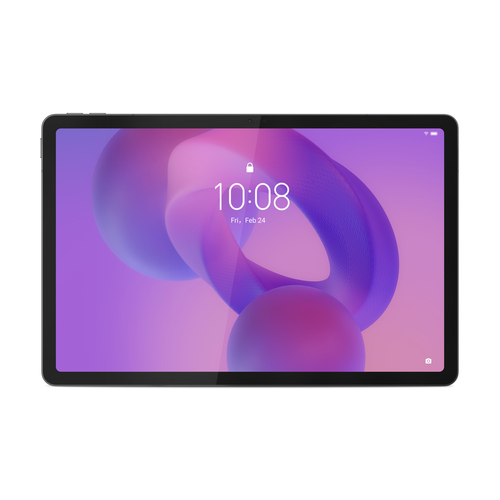
LENOVO TABLET IDEA TAB TB336ZU 8GB 256GB 5G + LENOVO TAB PEN 11" ANDROID 15 LUNA GREY
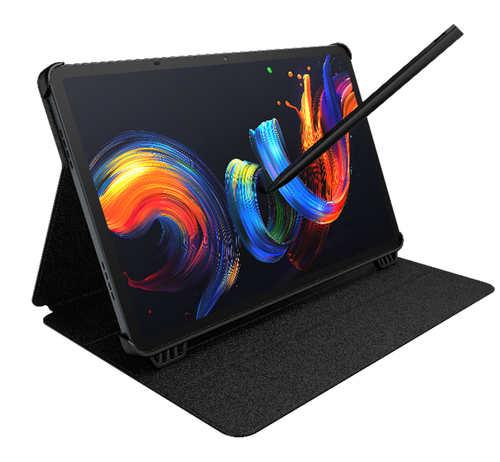
TCL TABLET PC NXTPAPER 11+ MEDIATEK HELIO G99 8GB 256GB 11,5 2.2K ANDROID + CUSTODIA E PENNINO