25 February 2026
Gemini on Android: AI moves from words to deeds
For a long time, we have interacted with artificial intelligence on smartphones primarily through questions and answers: we asked for information, generated texts, or translated phrases. However, the new direction taken by Google with Gemini marks a fundamenta

Gemini on Android: AI moves from words to deeds
For a long time, we have interacted with artificial intelligence on smartphones primarily through questions and answers: we asked for information, generated texts, or translated phrases. However, the new direction taken by Google with Gemini marks a fundamental shift: AI is no longer just a consultant, but is becoming an operational agent capable of performing concrete actions within applications.
What changes concretely in daily use
The real novelty lies in the management of so-called multi-step tasks, namely processes that require multiple sequential steps. Instead of having to manually open an app, navigate through menus, select a service, and confirm the order, the user can delegate the entire sequence to Gemini via a simple voice command by activating the power button.
Imagine, for example, having to reorder the last meal on a delivery app or booking a ride home. Gemini does not limit itself to suggesting how to do it, but works in the background, interacting with the application's interface to complete the operation, allowing the user to continue using the phone for other activities without interruption.
The technical analysis by bisp&d: security and privacy
From a technical point of view, the most interesting aspect is how Google manages the execution of these tasks. To prevent the AI from having indiscriminate access to all device data, Gemini operates through a secure virtual window. This means that automation occurs in an isolated environment limited to specific applications, protecting the rest of the operating system.
Automation is not a "blind" process: the user maintains total control through real-time notifications that allow them to monitor the progress of the task, intervene manually, or interrupt the operation at any time.
Who is this evolution for?
This functionality is designed for different types of users:
- Power users: those looking to optimize every second of their day by reducing repetitive clicks.
- Multitasking professionals: those who need to manage bookings and quick services while engaged in other digital activities.
- Tech enthusiasts: those who want to test the limits of integration between LLMs (Large Language Models) and mobile operating systems.
What to check before buying or waiting
As it is a beta feature, it is essential to pay attention to compatibility. If you are considering purchasing a new device to take advantage of these functions, check the following points:
- Supported hardware: Currently, the feature is planned for the Pixel 10, Pixel 10 Pro, Pixel 10 Pro XL series and for the Samsung Galaxy S26 series.
- Geographic availability: The initial beta launch is limited to the United States and Korea markets; it is therefore necessary to wait for the rollout extension to Italy.
- App ecosystem: Automation will not work on every piece of software, but will initially be limited to specific categories such as food delivery, online shopping, and ride-sharing.
Conclusions
The integration of Gemini as an operational agent transforms the smartphone from an input tool into an active collaborator. Although we are still in a testing phase limited to a few models and regions, the direction is clear: the user interface of the future will be less and less based on menus and more and more based on intent. As a technological laboratory, we will monitor the extension of these functions to understand how much they will actually simplify the digital management for our clients.
Related products

LENOVO TABLET IDEA TAB TB336ZU 8GB 128GB 5G + LENOVO TAB PEN 11" ANDROID 15 LUNA GREY
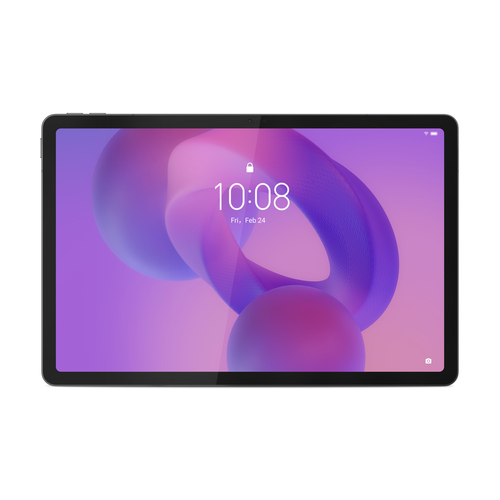
LENOVO TABLET IDEA TAB TB336ZU 8GB 256GB 5G + LENOVO TAB PEN 11" ANDROID 15 LUNA GREY
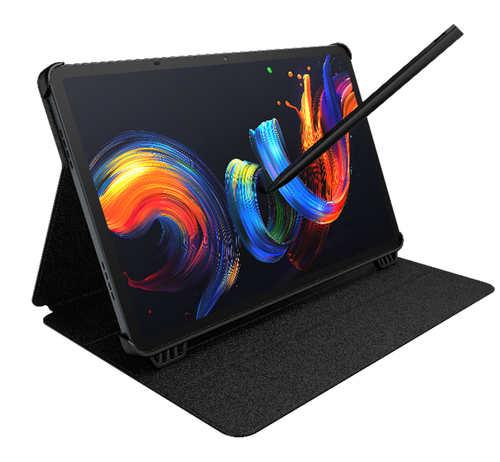
TCL TABLET PC NXTPAPER 11+ MEDIATEK HELIO G99 8GB 256GB 11,5 2.2K ANDROID + CUSTODIA E PENNINO