
11 November 2026
Samsung Gallery and Google: how the management of photos and videos changes on Galaxy devices
Managing digital memories across multiple screens represents one of the daily challenges for those who own multiple technological devices. How many times has it happened to you that you took an important snapshot with your smartphone and wished to find it imme
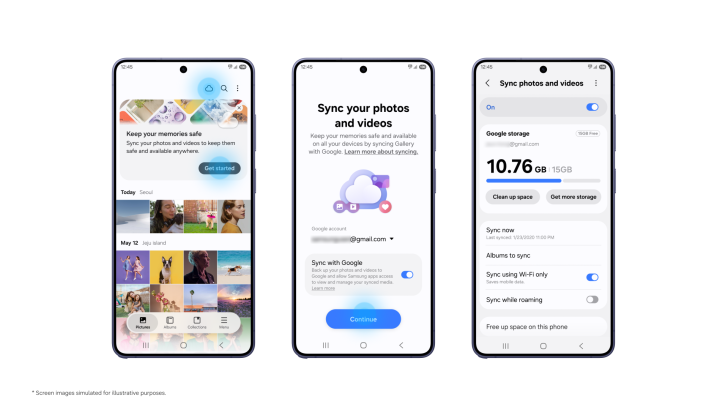
Samsung Gallery and Google: how the management of photos and videos changes on Galaxy devices
Managing digital memories across multiple screens represents one of the daily challenges for those who own multiple technological devices. How many times has it happened to you that you took an important snapshot with your smartphone and wished to find it immediately on your tablet, or feared the transition phase to a new terminal? To answer these practical needs, from our perspective here at bisp&d we welcome the innovations introduced by the collaboration between Samsung and Google, designed to optimize the Galaxy ecosystem.
The perspective of bisp&d: integration and usability
In our technological laboratory in Piombino we often assist customers struggling with the fragmentation of their data among different cloud services, forgotten passwords, and disorganized galleries. The choice to integrate Samsung Gallery synchronization directly by leveraging the Samsung and Google credentials already present on the phone eliminates the hassle of configuring third-party applications or opening new storage accounts. The strength of this solution lies in transparency for the end user: everything happens inside the native app that is used every day.
What really changes in daily use
The main novelty consists in the centralization of multimedia content without the need to duplicate management efforts. Among the most relevant functions for everyday operations we find:
- Immediate multi-device access: images captured with the Galaxy smartphone appear in the tablet's Gallery simply by activating the service on both terminals.
- Painless transition to a new device: when changing smartphone, it is no longer necessary to wait for the massive download of the entire historical memory. The system immediately shows previews, leaving the original files safe in the cloud.
- “Free up space” function: a useful tool to recover precious internal memory on the terminal, removing local files after synchronization while keeping thumbnails always visible in the gallery.
Who this novelty is for
This function is particularly suitable for owners of mixed ecosystems or for those who regularly use both Samsung-branded smartphones and tablets. Families, mobile professionals, and mobile photography enthusiasts who accumulate gigabytes of content will find a notable benefit in the streamlined management of their digital archives, especially during the hardware upgrade phase.
What to check before proceeding
Before activating automatic synchronization, from our workbench we recommend checking some fundamental aspects:
- Software compatibility: the service is progressively distributed on Galaxy smartphones and tablets equipped with the One UI 9 interface.
- Available storage space: synchronization relies on the space associated with your Google account (the same shared with Gmail, Drive, and Photos). Remember that the free base threshold is 15 GB, shared among all services.
- Management of existing subscriptions: if you already use paid expansion plans, make sure to select the correct account to avoid overlaps or sudden exhaustion of space.
Useful conclusion
The new integration between Samsung Gallery and Google storage space represents a concrete step forward toward digital simplification. If your device falls among the compatible ones, we invite you to check for the presence of the dedicated cloud icon directly inside your Gallery application to test a management of memories that is finally fluid, orderly, and devoid of superfluous steps.
Related products
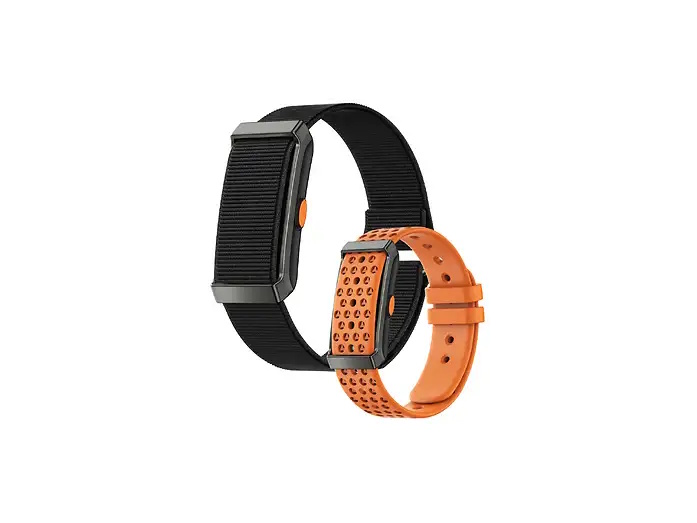
INNO-HIT Smart Band CORE monitoraggio Salute e Fitness 24/7
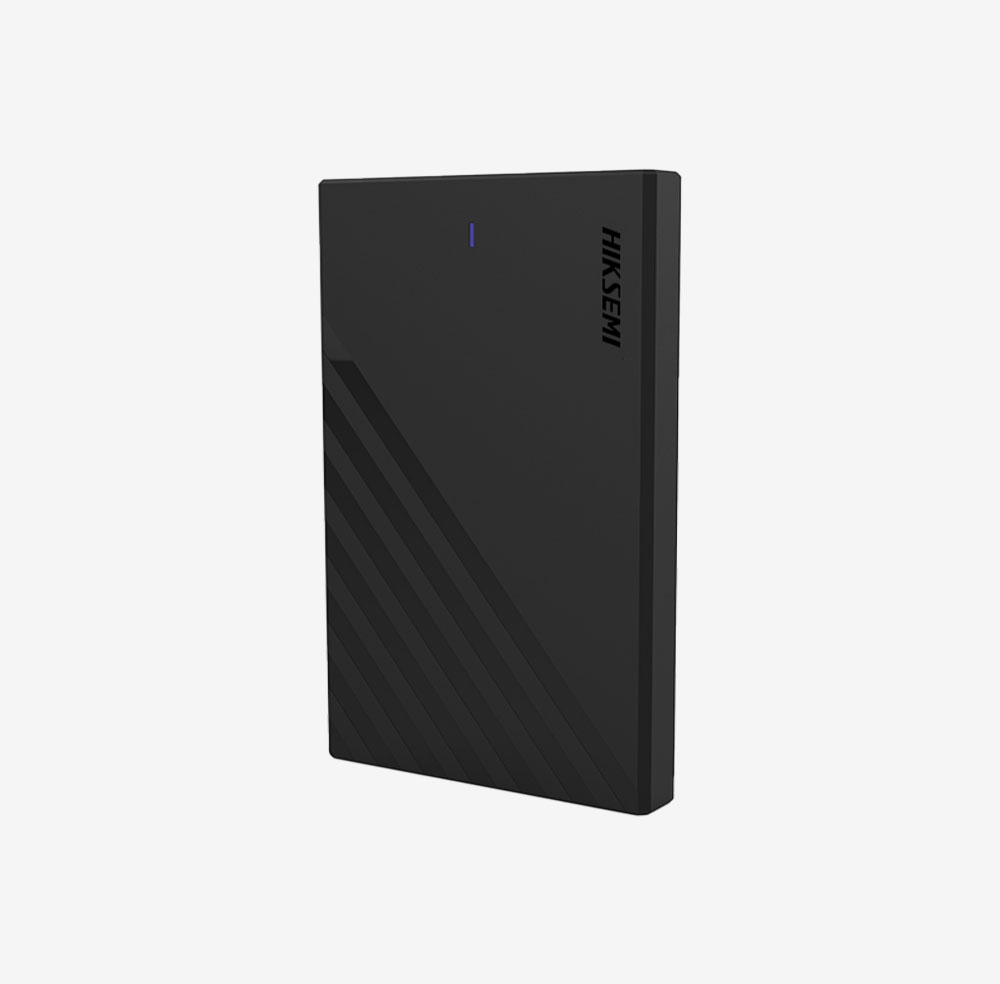
HIKVISION HIKSEMI BOX 2.5 HDD/SSD, TYPE C, VELOCITA TRASF 6GBPS, WINDOWS, MAC OS, LINUX, ANDROID
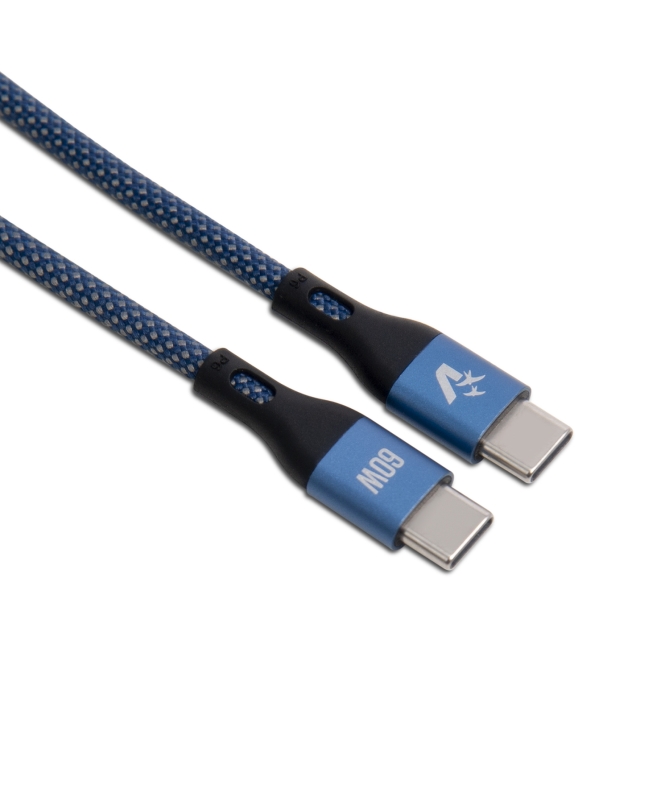
VULTECH CAVO SMARTPHONE TYPE-C A TYPE-C 1,2m, 3.0A 60W, NYLON, BLU
