13 August 2026
Instant sharing: the new frontier of the "tap" between Android devices
In today's technological landscape, the speed at which we exchange information has become crucial. Google has recently introduced a significant update to the Quick Share sharing system, making data transfer between Android devices — starting with Pixel — an im
Instant sharing: the new frontier of the "tap" between Android devices
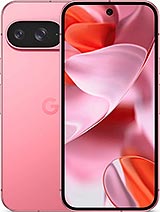
In today's technological landscape, the speed at which we exchange information has become crucial. Google has recently introduced a significant update to the Quick Share sharing system, making data transfer between Android devices — starting with Pixel — an immediate operation based on physical contact between the devices.
What really changes in the user experience
Until now, sharing a contact, a photo, or a video required several steps: opening the sharing menu, waiting for nearby devices to be scanned, and selecting the correct recipient. With this new feature, the process is reduced to a simple physical gesture: bringing the two smartphones close together. For exchanging contacts, it is sufficient that both phones are on the home screen; for multimedia files, simply open the sharing sheet and bring the devices together. This represents a significant leap in quality in terms of intuitiveness, eliminating the uncertainties related to searching for devices via Bluetooth or Wi-Fi.
The perspective of bisp&d
As a technological laboratory, we welcome every innovation that simplifies interaction between different hardware. Our customers often ask us for quick solutions to transfer large files or contacts without having to resort to third-party cloud services or email. This technology leverages proximity to create a direct and protected channel, drastically reducing downtime. It is an example of how the integration between software and proximity sensors can make the Android ecosystem much more fluid and cohesive.
Who is interested in this news
This function is designed for anyone who uses their smartphone as a tool for work or daily social interaction. It is particularly useful for:
- Professionals: to quickly exchange digital business cards during meetings or events.
- Photography enthusiasts: to share high-resolution shots with friends present in the same location without degrading quality through messaging apps.
- Common users: who desire an immediate data transfer mode without complex configurations.
What to check before proceeding
Before looking for this function on your device, it is essential to verify some technical requirements:
- Hardware compatibility: Currently, the function is active for the Pixel 6 series and subsequent models. Extension to recent Samsung Galaxy Z Fold and Flip series devices is planned, with a progressive rollout to other Android models by the end of the year.
- System updates: Ensure that your smartphone is updated to the latest version of the operating system and that Google Play services are aligned.
- Quick Share settings: Verify that the Quick Share function is correctly configured and active in your device's quick settings menu.
Conclusion
The ability to share files simply by bringing two smartphones close together marks a step forward towards a more natural user experience. If you own a compatible device, we invite you to test this mode during your daily exchanges. If, instead, you have doubts about the compatibility of your model or encounter difficulties in configuration, our laboratory in Piombino remains available to assist you in optimizing your smartphone.
Related products

LENOVO TABLET IDEA TAB TB336ZU 8GB 128GB 5G + LENOVO TAB PEN 11" ANDROID 15 LUNA GREY
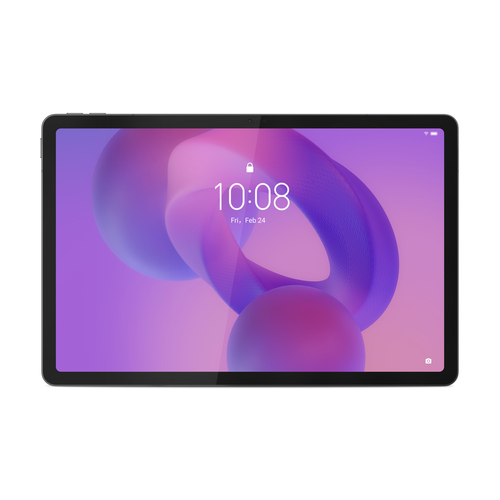
LENOVO TABLET IDEA TAB TB336ZU 8GB 256GB 5G + LENOVO TAB PEN 11" ANDROID 15 LUNA GREY
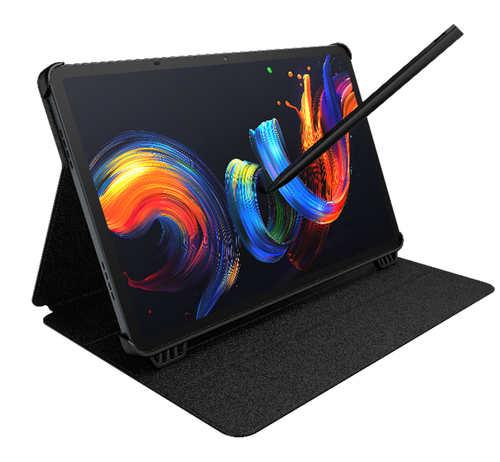
TCL TABLET PC NXTPAPER 11+ MEDIATEK HELIO G99 8GB 256GB 11,5 2.2K ANDROID + CUSTODIA E PENNINO